What makes a good Solitaire app in 2026
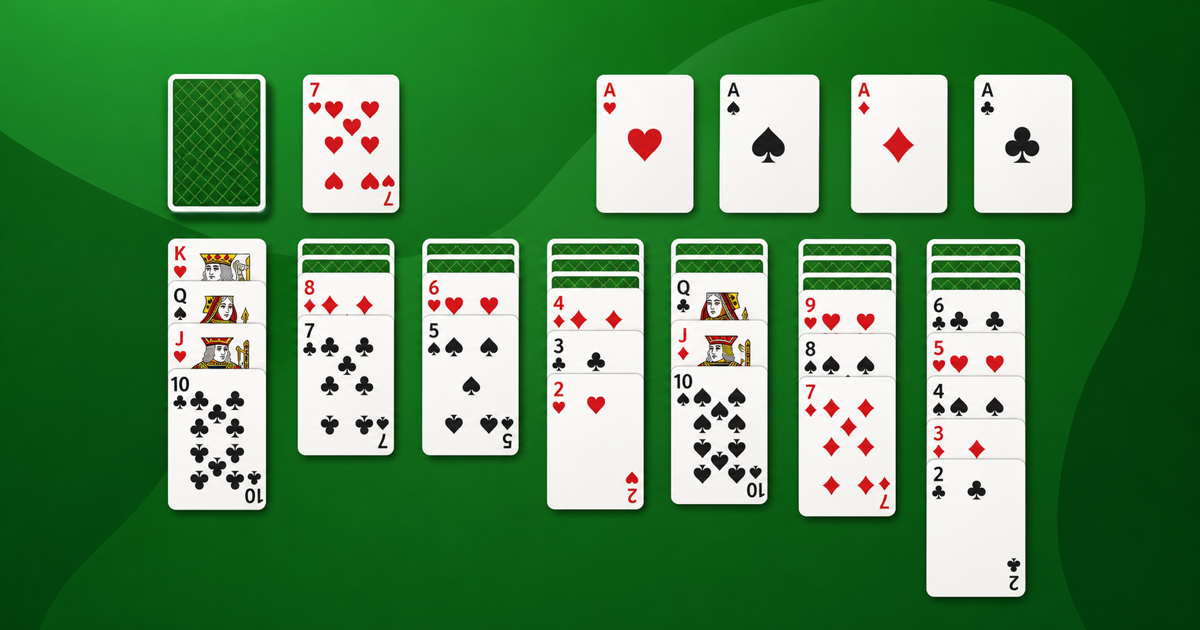
Search “Solitaire” in the App Store and you’ll get thousands of results. Most share the same problems: a rewarded video after every game, a coin economy you never asked for, and menus that hide the one thing you came for, a deck of cards. A good Solitaire app in 2026 does the opposite. It gets out of your way.
Here is what actually matters when you pick one.
No ads and no coin economy
The single biggest quality signal is what happens between games. A good app deals the next hand instantly. A bad one shows an interstitial, or gates “undo” behind a currency you have to earn or buy. Look for apps that say no ads plainly and mean it. Our Solitaire never shows an ad or a coin, and it never will.
Offline play
A card game should never need Wi-Fi. If an app stalls on a plane or in a tunnel, it is built around ads or tracking, not around cards. Good Solitaire runs fully offline.
Fast to resume
You should be able to open the app and be mid-game in under a second, right where you left off. Slow splash screens and “loading” spinners are a sign the app is doing work for someone other than you.
The settings that matter
The controls a serious Solitaire player expects:
- Draw one or draw three. These are two different games. Draw one is more forgiving; draw three is the classic challenge. (More on that in Draw 1 vs Draw 3.)
- Left-hand mode and gesture undo/redo, so the controls fit your hand.
- Dark mode that follows the system, for late-night play.
- Hints and auto-complete for when you’re stuck or just want to finish a won game.
No tracking
Privacy is quietly part of quality. A Solitaire game has no reason to know who you are. Check the App Store privacy label; the best apps collect nothing.
The short version
A good Solitaire app is the game and nothing else: no ads, offline, instant to resume, with the handful of real settings that matter. If that’s what you’re after, try our Solitaire, or browse the rest of our card games.